Reference to Video AI Generator

Guide AI-generated videos with image references, video references, or a combination of both to shape characters, scenes, and visual style. Describe how your references should come together, then shape the result with your prompt.

Featured Example

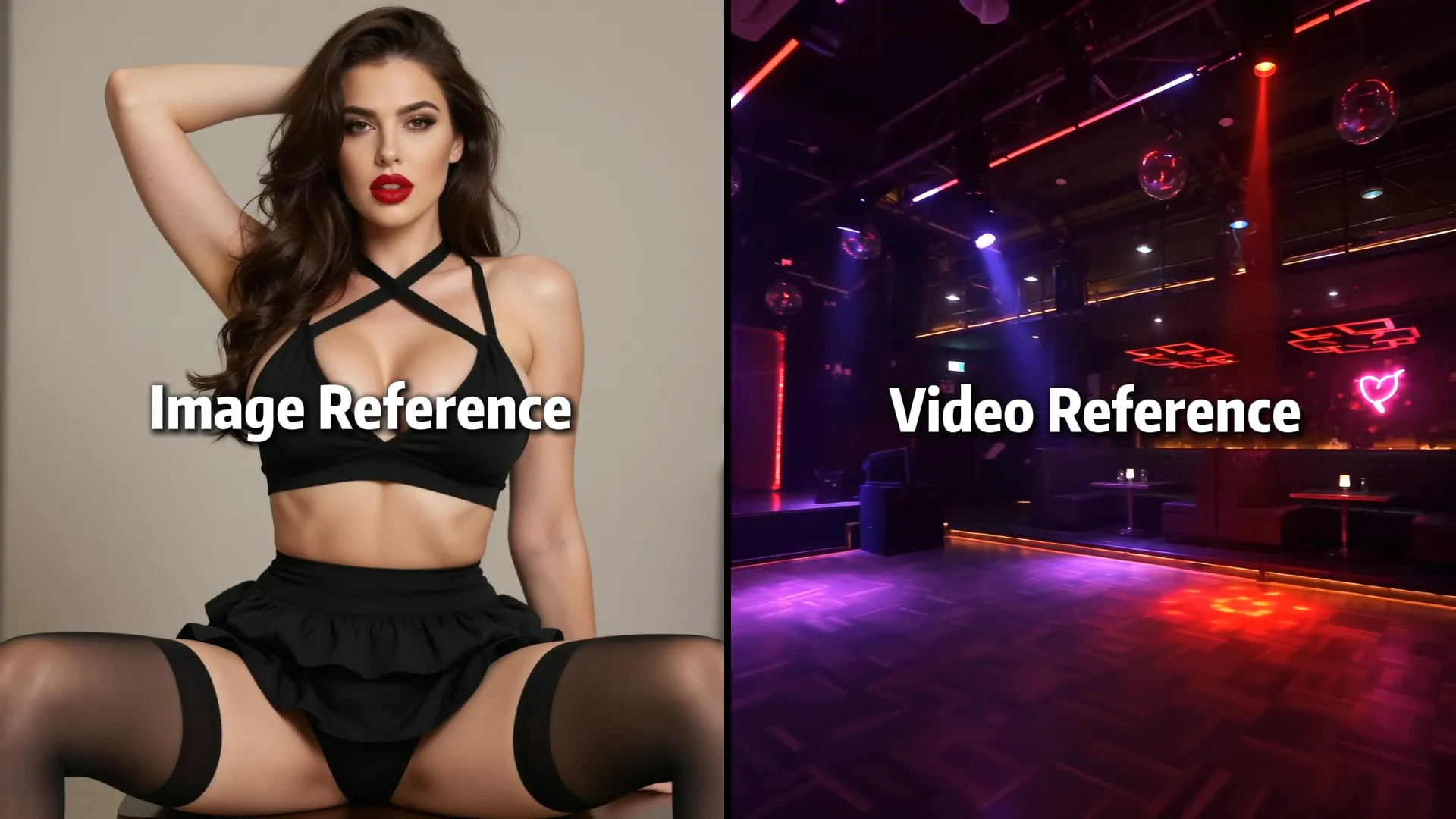
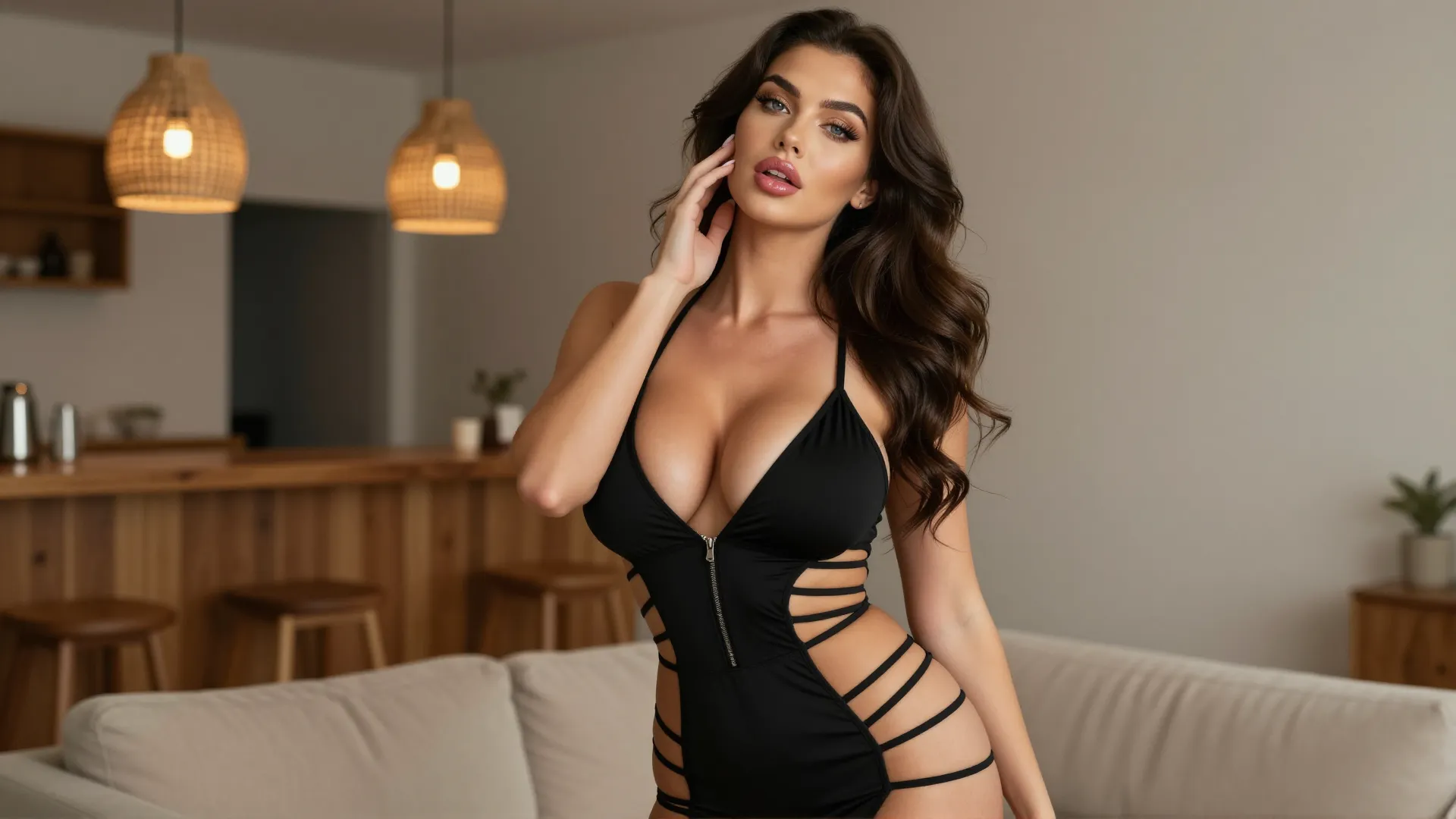
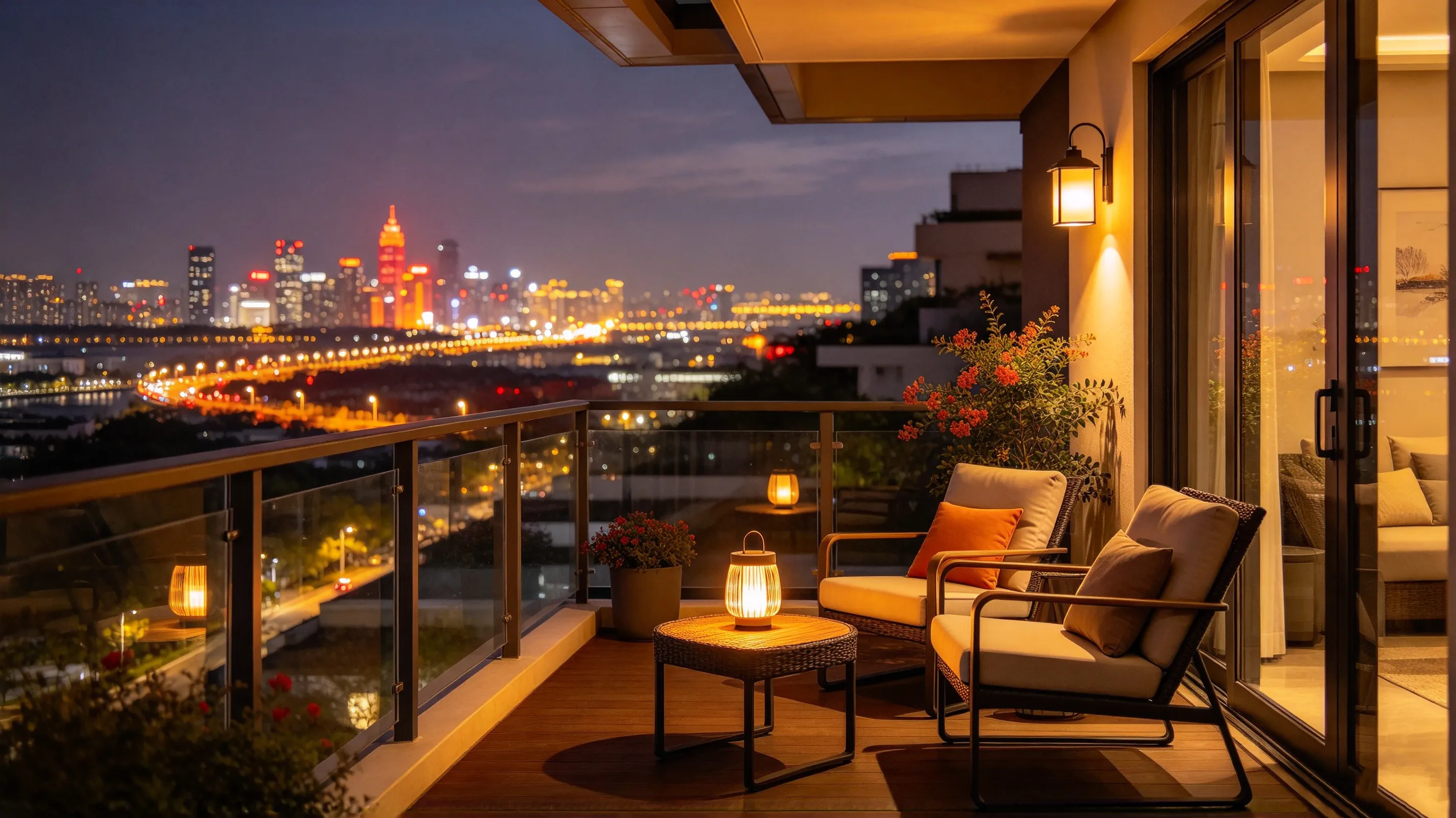
See How References Work Together

Combine image and video references to guide a new scene. See how each reference contributes to the final result, then try the same approach with your own materials.

Image Reference 1 · Character appearance
Image Reference 2 · Scene setting
Generated Result

Prompt Tips

Be specific about what each reference contributes. Describe the scene, the action, and the visual details you want to carry into the result.

01

Assign Each Reference a Role

Identify which reference guides the character and which one guides the environment. Then describe how they come together in a single scene.
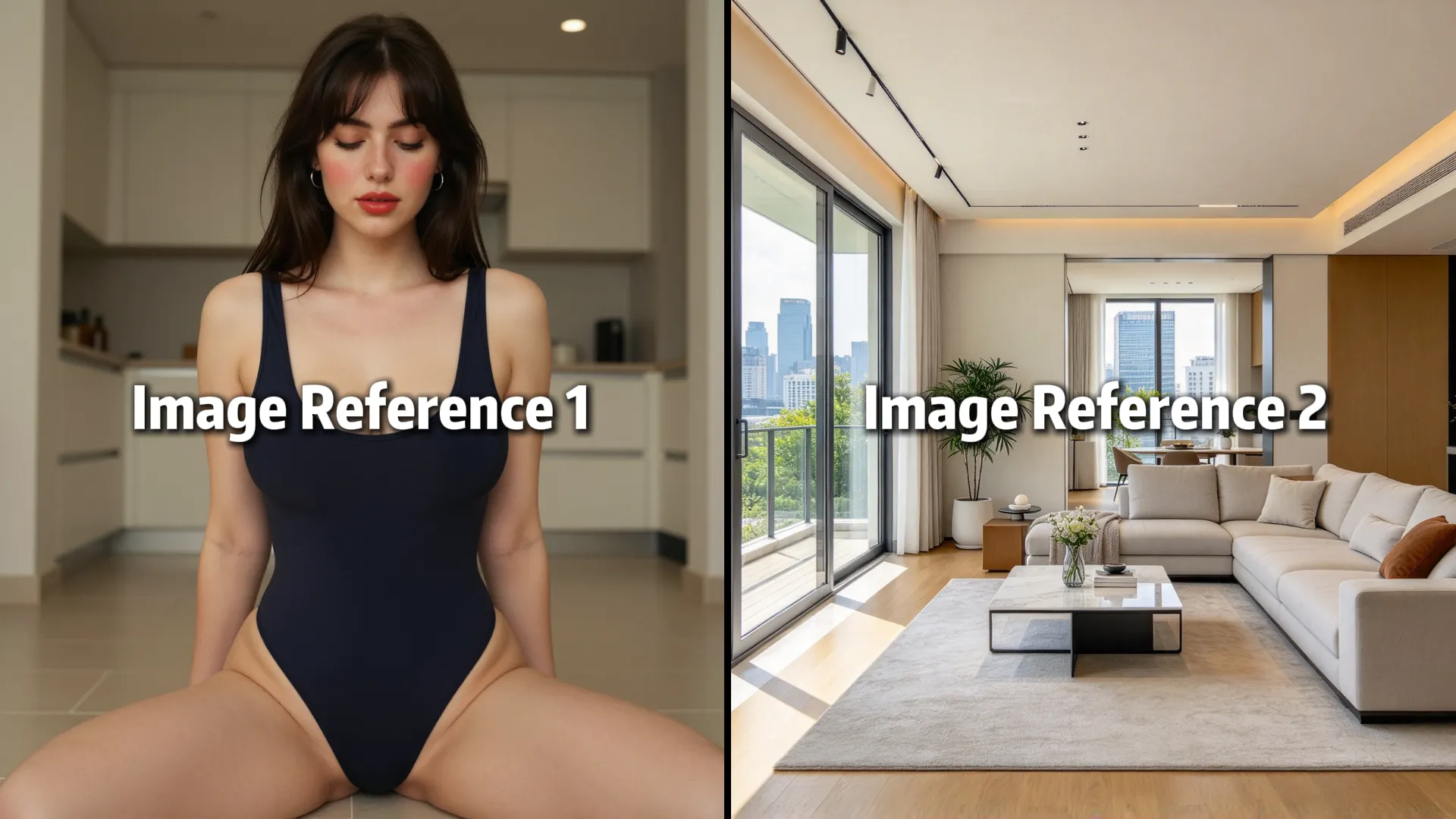
Character Reference / Environment Reference
Generated Result

Prompt idea · Not yet tested

Use Image Reference 1 to guide the main character's appearance and Image Reference 2 to guide the interior setting. Create a cinematic scene in which the woman walks from the window toward a sofa, pauses briefly, and turns to look at the camera. Keep the character styling and the environment visually aligned with their respective references. Use a gentle camera push-in and natural body movement. Do not introduce extra characters or change to a different location.
02

Combine Multiple Visual Details

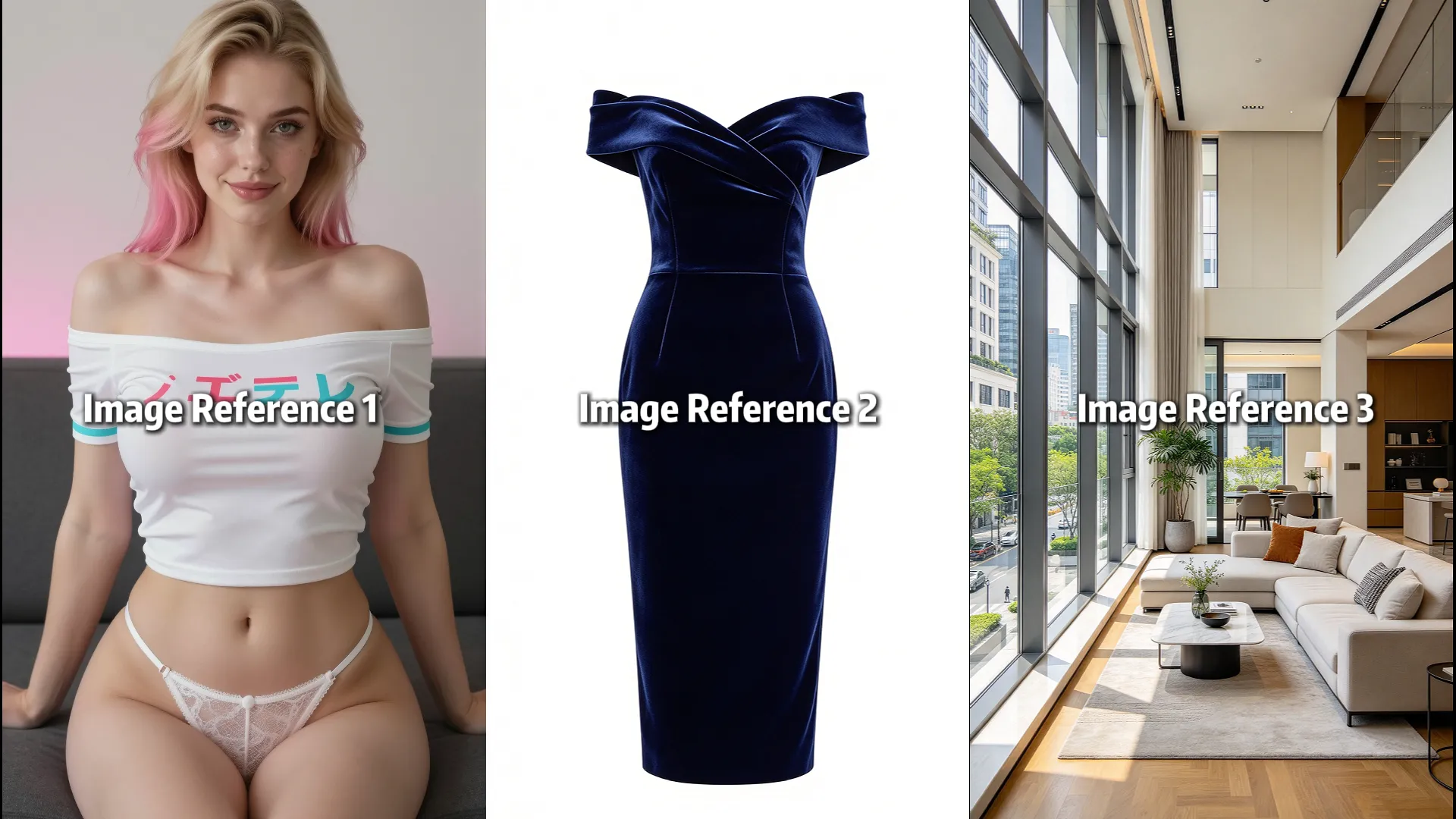
When using several images, explicitly state which details should come from each reference rather than asking the model to combine them vaguely.

Character Reference / Outfit Reference / Atmosphere Reference
Generated Result

Prompt idea · Not yet tested

Use Image Reference 1 to guide the character's overall appearance, Image Reference 2 to guide the outfit, and Image Reference 3 to guide the scene's visual atmosphere. Generate a single continuous shot in which the character enters the room, adjusts one sleeve, and walks toward the window. Keep the visual elements coherent within the same scene, with soft directional lighting and a slow tracking camera movement. Avoid treating each reference as a separate shot.
03

Use Video References with Clear Intent

Explain how the video reference should guide your new scene. If your main goal is to reproduce a specific movement, use Motion Control instead.

Character Reference / Video Reference
New Generated Scene

Prompt idea · Not yet tested

Use Image Reference 1 to guide the main character's appearance and the uploaded video reference to inform the scene's visual direction and framing. Create a new cinematic scene in which the character walks through a modern corridor, slows down near a doorway, and turns toward the light coming from the room. Keep the atmosphere and composition aligned with the references while creating a new take rather than simply extending the source clip. Use smooth camera movement and avoid abrupt changes in the scene.

Frequently Asked Questions

What is Reference to Video?

Reference to Video uses image and video references to guide the generation of a new video. You can combine visual references with a text prompt to communicate the appearance, setting, and creative direction you want.

Can I combine image and video references?

Yes. You can use image and video references together in the same workflow, within the supported input limits. Assigning each reference a clear role in your prompt can help communicate your intended result.

How many references can I upload?

Check the current upload panel for supported reference counts, formats, and input requirements before submitting your files.

What's the difference between Reference to Video and Image to Video?

Image to Video starts with a still image and focuses on turning it into a moving video. Reference to Video is designed for a broader set of visual references, allowing multiple images and supported video references to guide a newly generated result.

Can references guarantee the exact same character or scene?

No. Reference materials help guide the generated result, but they do not guarantee an exact reproduction of every detail or perfect consistency throughout the video. The outcome depends on the references, prompt, and model.

Can I use a video reference to reproduce a specific movement?

Video references can help guide the visual direction of a generation. If your primary goal is to transfer movement from a source video to a character, Motion Control is the more appropriate workflow.

What resolution and duration are supported?

Check the current generation settings for available resolution and duration. Supported options depend on the active configuration.