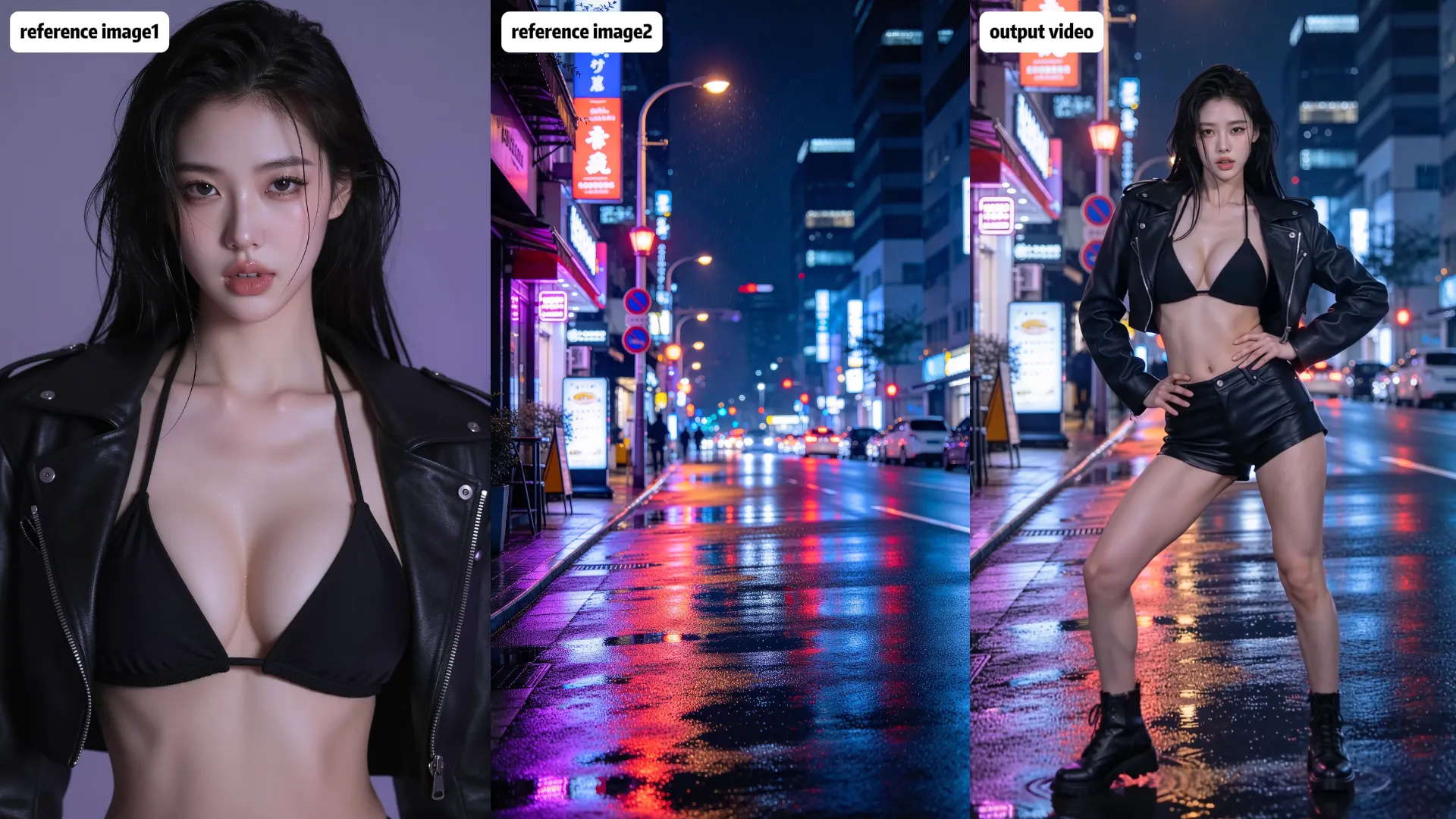
Motion Control AI Video Generator

Guide the performance, then use a prompt to describe the scene and visual details.

Featured Example

See Your Character in Motion

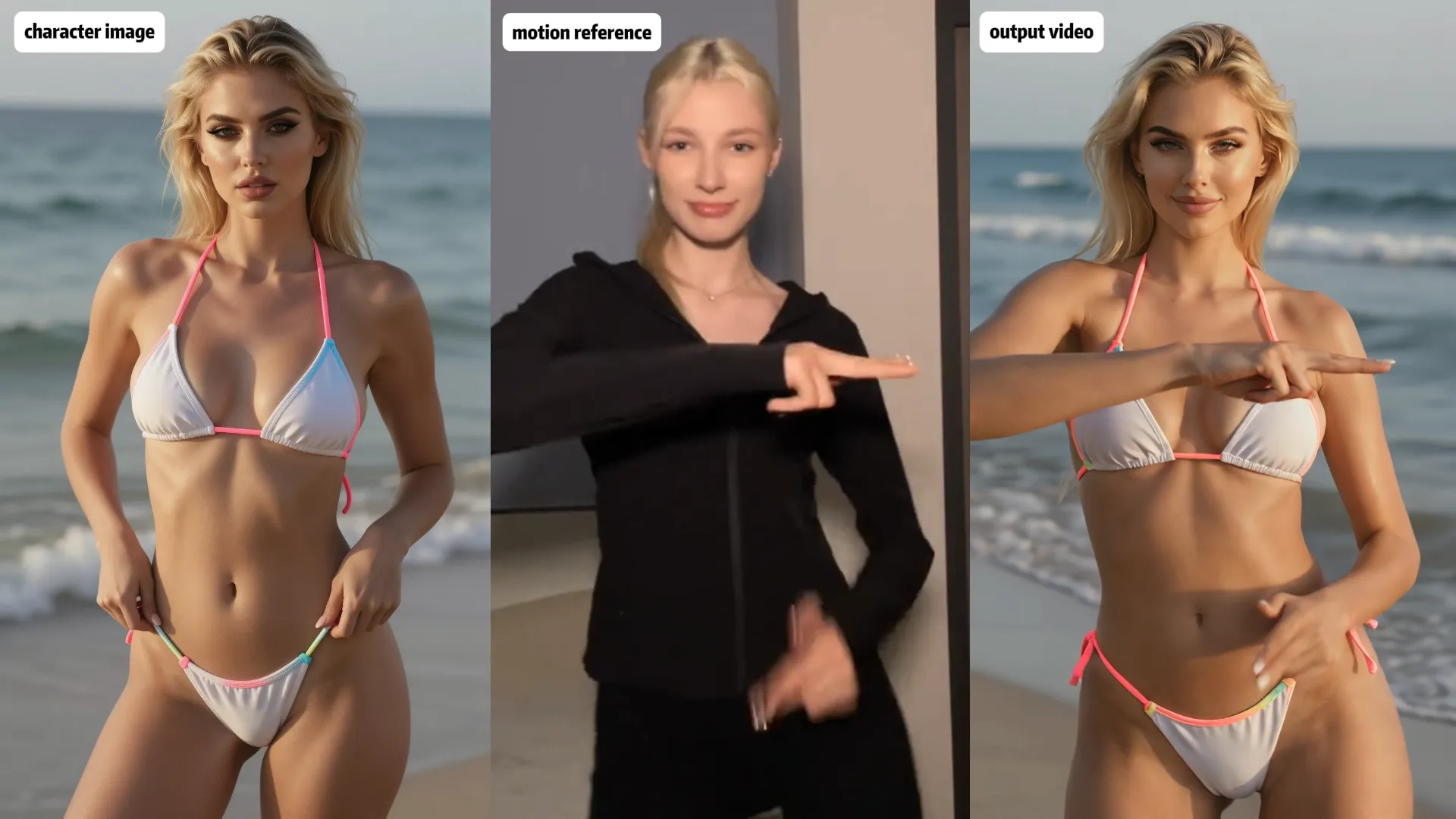
Start with a character image and a motion reference. See how the movement guides a new performance, then try the same approach with your own materials.

Character Image
Character Image
Motion Reference
Generated Result

Prompt Tips

Be specific about what each reference contributes. Describe the scene, the action, and the visual details you want to carry into the result.

01

Dance & Choreography

Character Image + Dance Reference → Generated Result

Prompt idea · Not yet tested

Recreate the dance sequence from the motion reference using the character in the source image. Follow the same sequence of steps, turns, and arm movements, keeping the timing and transitions close to the reference. Keep the full body visible in a clean dance studio with a steady camera so the choreography remains clear.
02

Gymnastics & Flexibility

Character Image + Performance Reference → Generated Result

Prompt idea · Not yet tested

Transfer the movement sequence from the motion reference to the character in the source image. Follow the same stretches, balance poses, and transitions in the same order. Keep the full body and limbs clearly visible throughout the routine, using a stable wide shot and a simple gymnastics studio background.
03

Acting & Performance

Adult Couple + Motion Reference → Generated Result

Prompt idea · Not yet tested

Recreate the intimate interaction shown in the motion reference using the adult couple in the source image. Follow the same sequence and timing as they turn toward each other, lean in, and share a gentle kiss. Keep their body positioning and movements natural, with smooth transitions and realistic contact. Maintain both characters within the frame throughout the interaction, using a steady medium shot and soft, warm cinematic lighting.

Motion Control vs. Reference to Video

Choose your workflow based on what you want to control: character movement or the broader visual direction of your video.

Motion Control
Motion Control

Motion Control

Use a character image and a motion reference video to guide how the character moves and poses in the generated video.

Best for

  • Transferring dance routines and choreography
  • Recreating gestures, poses, and physical performances
  • Guiding character movement with a motion reference
Explore Motion Control
Reference to Video
Reference to Video

Reference to Video

Use supported image and video references to guide a wider range of visual elements in a newly generated video.

Best for

  • Guiding character appearance and scene details
  • Establishing environments and visual style
  • Combining supported image and video references
Explore Reference to Video

Frequently Asked Questions

What Is AI Motion Control?

AI Motion Control uses a character image and a motion reference video to generate a new video featuring the character performing guided movements. A text prompt can provide additional direction for the scene and visual details.

What Do I Need to Use Motion Control?

You need a character image and a motion reference video. An optional prompt can describe the setting, visual style, and other details you want in the result.

What Makes a Good Motion Reference?

Choose a video where the movement is easy to see, the main subject is clearly visible, and important actions are not obscured. A clearly framed reference can make it easier to evaluate whether the generated result follows the intended movement.

Will the Character Match the Motion Reference Exactly?

Not necessarily. Motion Control is intended to guide the character's movement, but the generated result may differ from the reference. The output also depends on the source image, reference video, prompt, and model capabilities.

What's the Difference Between Motion Control and Reference to Video?

Motion Control focuses on guiding a character's movement with a motion reference video. Reference to Video uses image and video references more broadly to guide the visual direction of a newly generated scene. Choose Motion Control when movement transfer is your main goal.

Do I Need to Write a Prompt?

A prompt is useful for describing the setting, visual style, and other details you want in the output. The character image and motion reference provide the essential starting materials for this workflow.