AI Video Editor

Edit an existing video with AI. Describe the changes you want and create a new version guided by your original clip.

Featured Example

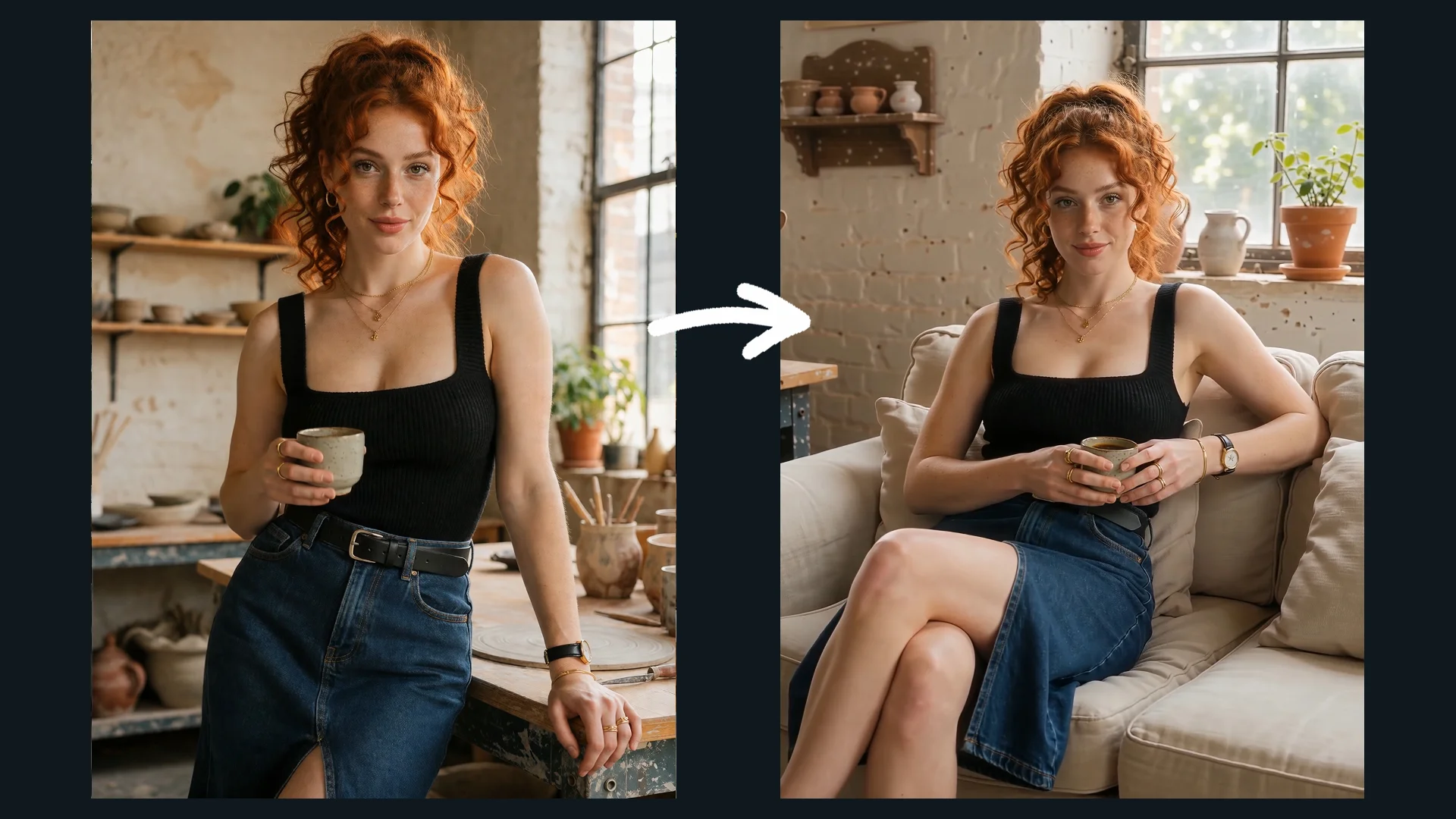
Give Your Video a New Look

Explore supported changes to an existing video, such as its background, styling, color, or lighting. Describe what should change and what should stay the same, then review the result.

Original Video → Edited Version

Edit Your Video in Three Steps

Start with your footage and describe the changes you want. AI generates a revised version based on your instructions.

  1. 01

    Upload Your Video

    Add the clip you want to edit. Use footage that already contains the subject, action, and scene you want to work with. You can also add a reference image when you want to guide a specific visual detail.

  2. 02

    Describe the Changes

    Tell AI what you want to change, such as the visual style, color treatment, or atmosphere, depending on the supported editing capabilities.

  3. 03

    Generate Your Edited Video

    Review the generated result and decide whether it matches your creative direction.

Prompt Tips

Make your editing instructions specific. Describe the changes you want, along with the visual details that matter most.

01

Replace a Person

Original Video / Edited Result

Prompt idea · Not yet tested

Replace the adult woman in the source video with the adult woman shown in the uploaded reference image. Preserve the new woman's recognizable facial features, identity, and hairstyle from the reference image. She continues walking toward the bar, picks up the drink, then turns gracefully toward the camera. Preserve the luxurious dimly lit lounge, warm ambient lighting, and original camera movement. Make the replacement look natural and maintain a consistent appearance throughout the entire video.
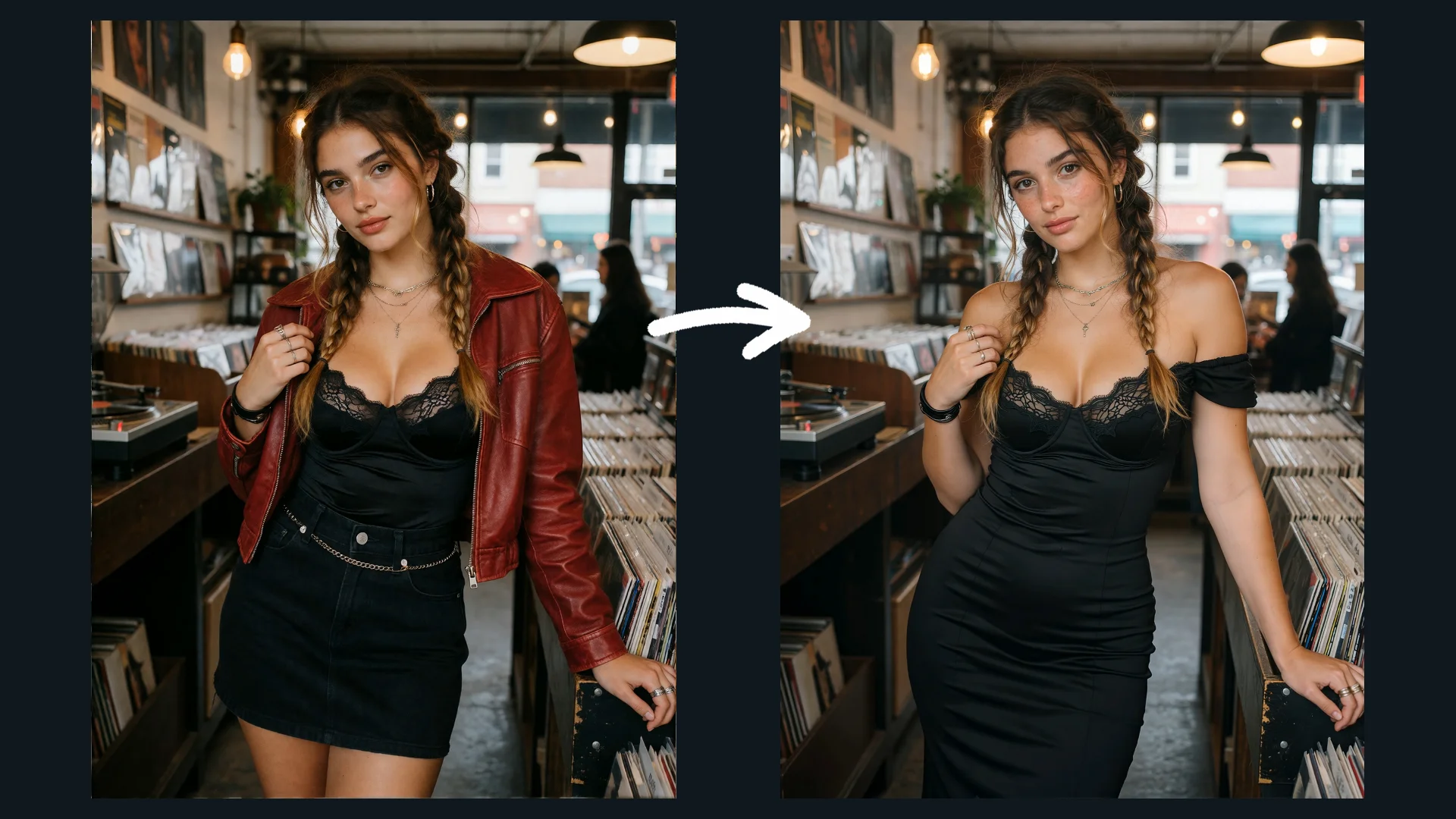
02

Change the Background

Original Video / Edited Result

Prompt idea · Not yet tested

Replace the park background in the source video with a modern rooftop terrace at sunset, overlooking a city skyline. Keep the woman, her clothing, walking motion, body position, and camera movement as close to the original footage as possible. Match the new environment's perspective and lighting, and add natural contact shadows beneath her feet. Do not change her identity or introduce additional people. The entire clip should appear to take place on the rooftop terrace.
03

Change the Outfit and Hairstyle

Original Video / Edited Result

Prompt idea · Not yet tested

Change the woman's casual white shirt and denim shorts into a stylish blue bikini, and transform her loose black hair into an elegant golden-blonde bun. Preserve her recognizable facial features, body shape, and natural walking motion. Keep the original beachside setting, camera movement, framing, and lighting unchanged. Make the new outfit and hairstyle look natural throughout the entire video, with no sudden changes in her appearance between frames.
04

Adjust Color & Lighting

Original Video / Edited Result

Prompt idea · Not yet tested

Transform the source video's neutral daylight into a cinematic evening look with warm amber practical lights, richer shadows, and controlled contrast. Preserve the man, his dark outfit, his walking action, the room layout, and the original camera movement. Add realistic warm light across the room while keeping natural skin tones and believable shadow direction. Apply the color treatment consistently throughout the clip without changing the setting, introducing new objects, or altering the action.

Edit Your Footage or Extend the Story?

Change what appears in your existing video, or generate what happens after it ends. Choose the right tool for your next step.

Video Editing
Video Editing

Video Editing

Change what's already there. Upload an existing video and describe which elements you want to change.

Best for

  • Replacing a person when supported
  • Changing the background
  • Restyling clothing or hairstyles
  • Adjusting color and lighting
Explore Video Editing
Video Extender
Video Extender

Video Extender

Add what happens next. Upload a video and describe the action or scene that should follow its final moment.

Best for

  • Continuing an unfinished action
  • Adding the next story beat
  • Moving a character into the next scene
  • Continuing a camera movement
Explore Video Extender

Frequently Asked Questions

What is an AI Video Editor?

An AI video editor lets you modify existing video footage through text instructions and supported inputs. Depending on the available editing capabilities, you can change elements such as the background, clothing, hairstyle, or overall color and lighting.

Can I replace a person in a video?

Person replacement is available when supported by the selected model. Upload the original video and, where required, an image of the person you want to use. Describe the replacement clearly and specify which parts of the original footage should remain unchanged.

Can I change a video's background without changing the person?

You can describe the new background and explicitly ask the model to preserve the person's appearance, movements, and camera framing. The result may vary, so review the entire clip to check whether the person and environment remain consistent.

Can I change clothing or hairstyles in an existing video?

You can specify the new outfit or hairstyle and ask the model to preserve the person's recognizable features, actions, and surroundings. Inspect the result across multiple frames to check for unwanted changes or visual inconsistencies.

How should I write a good video editing prompt?

State exactly what to change, what the result should look like, and what should stay the same. For example: Replace the background with a rooftop terrace at sunset, while preserving the woman's outfit, walking motion, and camera movement.

What is the difference between Video Editing and Video Extender?

Video Editing modifies elements within existing footage. Video Extender generates additional content beyond the source video's ending. Choose Video Editing when you want to change the existing scene, and Video Extender when you want to continue the action.