Create videos with a character reference to help maintain a consistent look across scenes and shots.
Featured Example
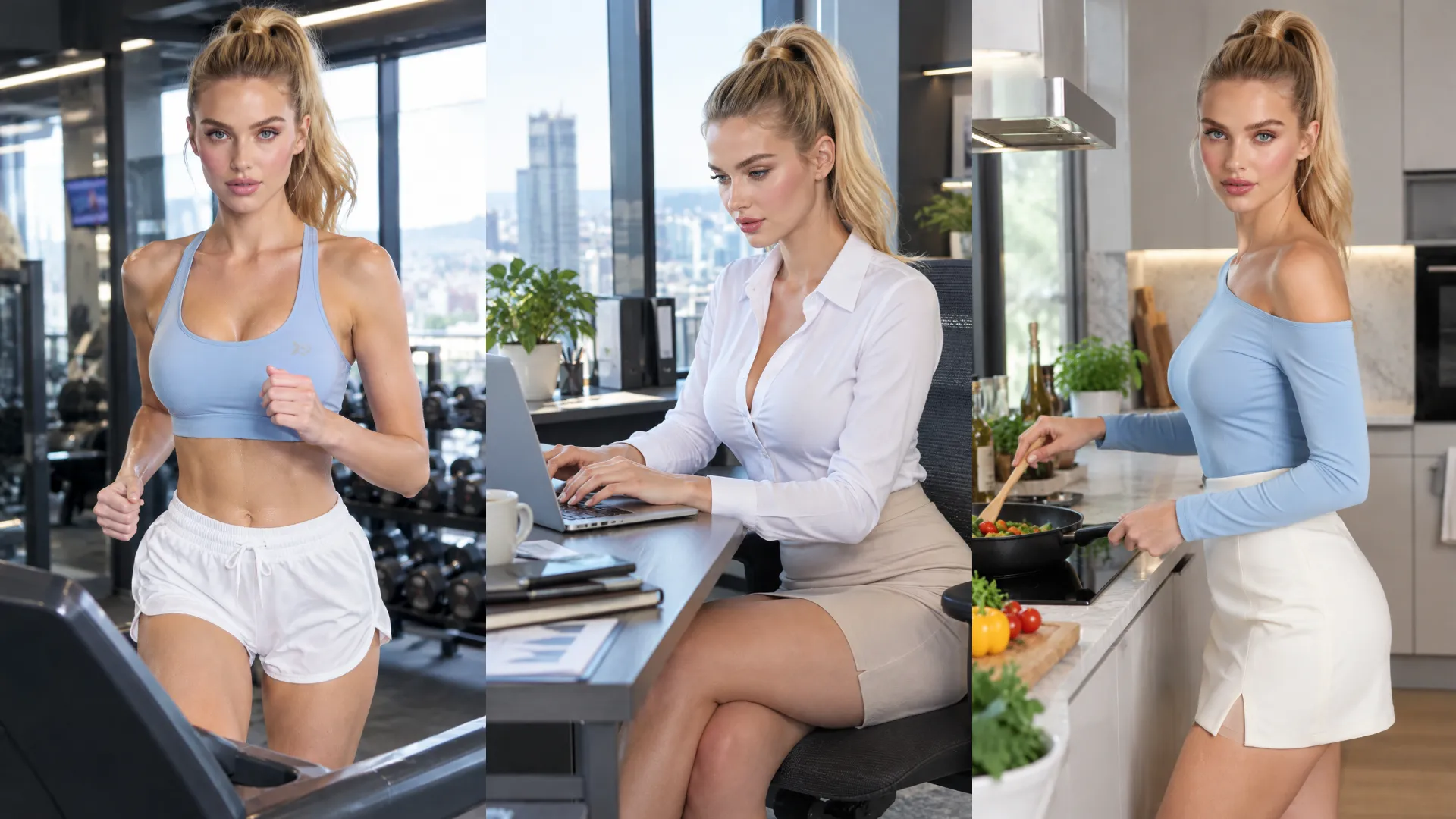
One Character. More Stories.
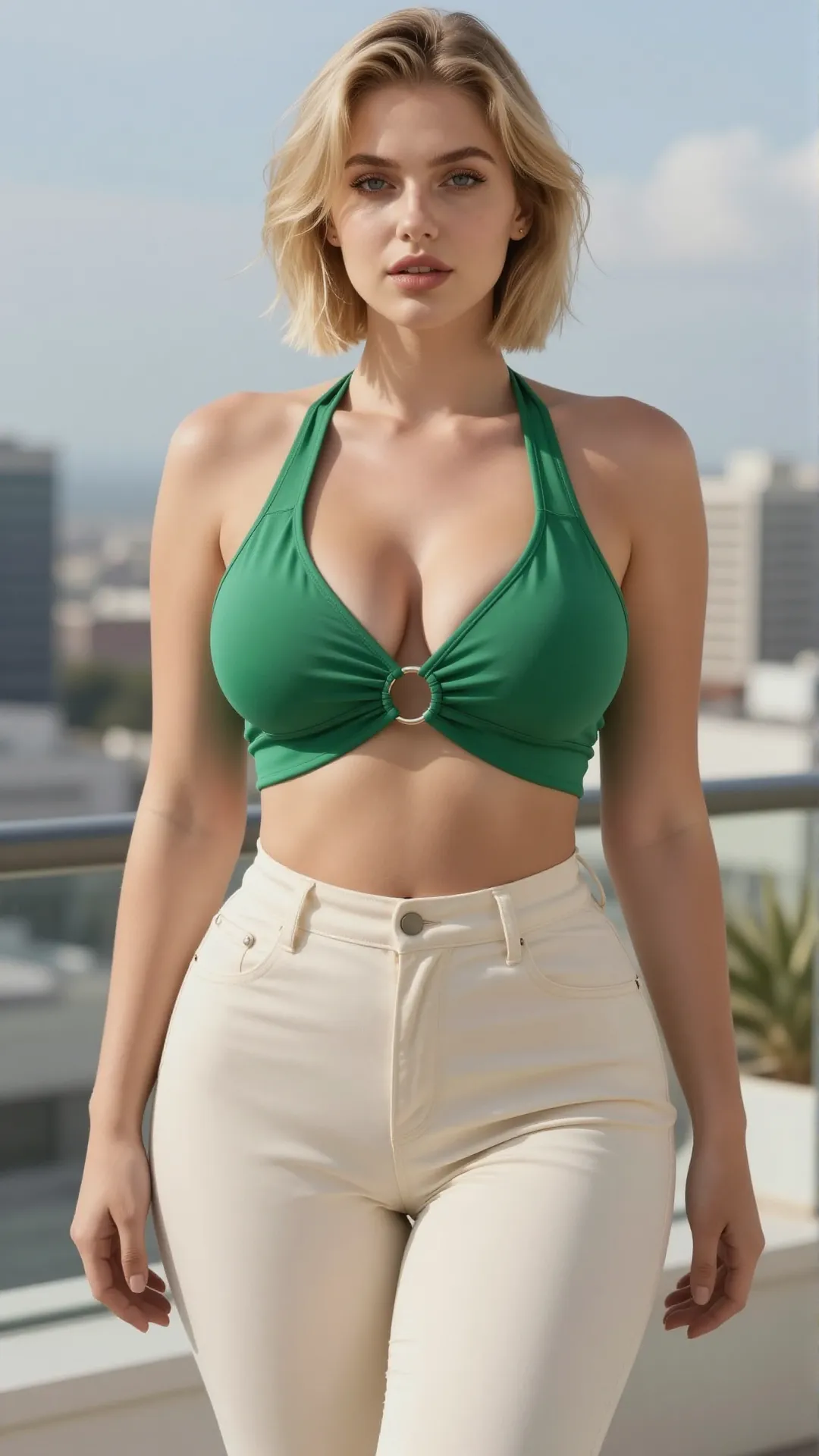
Start with a character reference and explore different scenes, moments, and camera perspectives while keeping the character's recognizable appearance in focus.
Character Image
Result 01
Result 02
Result 03
Prompt Tips
Start with your character reference, then describe the scene you want to create. Explore different moments while keeping your character's defining features in focus.
01
AI Influencers & Recurring Content
Character-led Lifestyle Video
Prompt idea · Not yet tested
Use the uploaded character reference to preserve the adult woman's recognizable facial features, hairstyle, and overall appearance. Create a relaxed beach lifestyle reel featuring her in a stylish bikini on a sunny tropical beach. She strolls barefoot along the shoreline, lets the sea breeze blow through her hair, then turns toward the camera with a playful smile. She casually adjusts her sunglasses, runs one hand through her hair, and walks toward the water as gentle waves wash around her feet. Capture natural, effortless movements with a laid-back influencer vibe, warm sunlight, turquoise water, and a handheld camera feel. Keep her appearance consistent throughout the video.
02
AI Drama & Storytelling
Character-led Story Scene
Prompt idea · Not yet tested
Use the uploaded character reference to preserve the adult woman's recognizable facial features, hairstyle, and overall appearance. Create an emotional reunion scene in a softly lit bedroom at night. After a long separation, the woman opens the door and sees her adult boyfriend standing there. Her expression shifts from surprise to overwhelming joy as she rushes toward him. He embraces her tightly, lifting her slightly off the floor as she wraps her arms around his shoulders. They hold each other for a brief moment, look into each other's eyes, then share a passionate, intense kiss, conveying how much they have missed each other. Their movements feel spontaneous and emotionally charged, with natural body positioning and smooth transitions. Use warm cinematic lighting and a slow camera push-in, keeping both characters in frame and the woman's appearance consistent throughout the scene.
03
Brand Campaigns & Commercials
Character-led Skincare Campaign
Prompt idea · Not yet tested
Use the uploaded character reference to preserve the character's recognizable facial features, hairstyle, and overall appearance. Create a premium skincare campaign video featuring the character as the brand's on-camera ambassador. The character holds an elegant skincare bottle, turns slightly toward the camera, and presents it with a confident, natural expression. Use a refined studio setting, soft diffused lighting, clean composition, and a slow cinematic camera movement. Give the video a polished commercial look while keeping the character visually consistent throughout.
Character Consistency vs. Reference to Video
Choose your workflow based on what matters most: a recognizable character or broader visual guidance from references.
Character Consistency
Character Consistency
Keep your character's recognizable appearance at the center of your creation. Start with a character reference and create new scenes built around that character.
Best for
Character-led videos
Recurring characters across different scenes
Character-focused visual continuity and variations
AI character consistency is the ability to create videos that retain a recognizable character appearance across different scenes or generations. A character reference image helps guide the person's visual features, while the prompt describes the scene and action.
How Do I Create Videos with the Same Character?
Upload your character reference image and describe the scene you want to create. Include the defining visual features you want to preserve, such as hairstyle, facial appearance, and outfit. Review the generated result to see how closely it matches your reference.
Can I Use the Same Character in Different Scenes?
You can use the same character reference image as the starting point for different scene prompts. Results may vary across generations, so use consistent descriptions of the character's defining features when those details are important.
Can I Change the Outfit or Hairstyle?
You can describe the desired styling in your prompt, subject to the model's capabilities. If preserving the character's appearance is the priority, avoid unnecessary changes to defining features. If you intentionally want to change clothing or hairstyle, state which details should change and which should stay the same.
Does Character Consistency Guarantee an Identical Face in Every Video?
No. A reference image can help guide the character's appearance, but it does not guarantee a pixel-perfect match or perfect identity consistency across all generated frames and scenes. Results depend on the reference image, prompt, and model.
What's the Difference Between Character Consistency and Reference to Video?
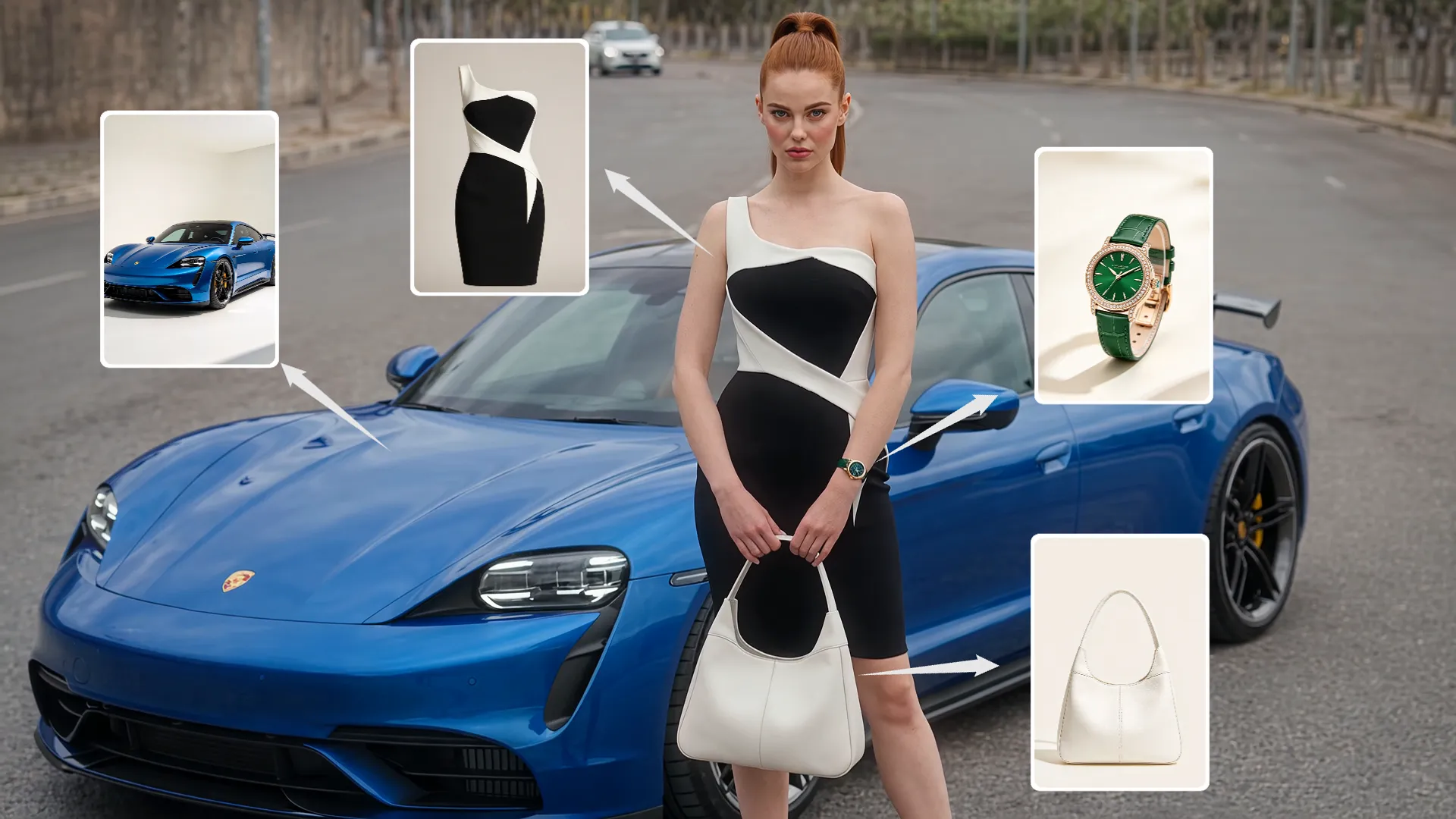
Character Consistency focuses on keeping a character's recognizable appearance across generated scenes. Reference to Video uses image and video references more broadly to guide the visual direction of a new video, including characters, environments, and other visual elements.
Can I Use Motion Control with Character Consistency?
They serve different purposes. Character Consistency focuses on the character's appearance, while Motion Control focuses on guiding movement from a motion reference video. Choose the workflow based on whether your primary need is character appearance or movement transfer.